Showing posts with label memory book. Show all posts

Tuesday, September 3, 2013

Vacation Photo overload?

You just got back from a great Vacation at Yellowstone Park, or a weekend getaway at the beach or a week stay at Walt Disney World, what do you do with those 1000+ photos you took?

  1. leave on the camera memory card
  2. upload to your computer...for no one to see
  3. print them at Target and keep in an envelope
  4. share on Face Book

OR how about PRESERVE those Memories! You don't need to be an avid Scrapbooker or Computer Whiz to be able to preserve and showcase your photos. Here are some fun, simple and unique ways to do just that.

First, get the photos off the camera and onto your computer. I love using Google's Picasa. It a free program you can download to your computer to store, edit, print and more.

Second, look through them. I mean spend some time and pick out those favorite shots of your daughter in the pool, or your Mom riding horseback, etc...you know the shots. You don't NEED to scrap or print EVERY picture you took, that's just took much work.

Third, once you have your top selection of photo memories figured out, its time to do something with them. here are some ideas I have done.

mini "one picture" books

These are my favorite little timeline books, you can do this from annual vacation getaways to school pictures or birthdays, the possibilities are endless!

 
this is my Disney salute to NY book
Each time my husband and I go to Walt Disney World in FL, we take a picture in the same spot with the NY backdrop behind us.


Keepsake Albums
 
 
If you took a special trip, a once in a lifetime trip, like a friend of mine did to Walt Disney World you can create a custom Keepsake Album.


I created this book for her family with a large spiral chipboard album


Collage Photo Page
 
Maybe you have a lot of favorite photos, so using the collage maker through Picasa you can put them all together in one "big" picture. Add into to a piece of scrapbooking paper or card stock and then you can frame it and display or create a special album of all these great collages.


this I made for a sweet friend of mine after we had a fun filled weekend at WDW


4 x 6 Pictures with Journal cards
 
 
There are so many quick and easy products available now at your local craft store to big chains like Target. Buy a Photo quality 12 x12 album and the 6 slot 4 x 6 refill pages and you could put together a whole album in less than a day!


This is an example of just that. I like to use these pages mixed within my traditional albums. I slide in the photos and then use pre cut cardstock and stickers and add story behind the pictures. Very easy!


A digital photo book from a website, such as Shutterfly or Snapfish.
 
 
The picture of the album below is similar but was made using a digital photo maker through Disney's PhotoPass website. These type of albums are so quick and easy to do now. For the Traditional sites, you can just upload your selected photos, pick your theme and let "it" create the book for you. My Mother does this all the time.


iPhoto book
 
It seems just about everyone is snapping photos off their iphone or ipad nowadays, including on Vacations. Besides just sharing them on Face Book or Twitter why not use a great new app called Simple Prints. You select photos off your idevice, place on the page, and order, Cant get any easier!
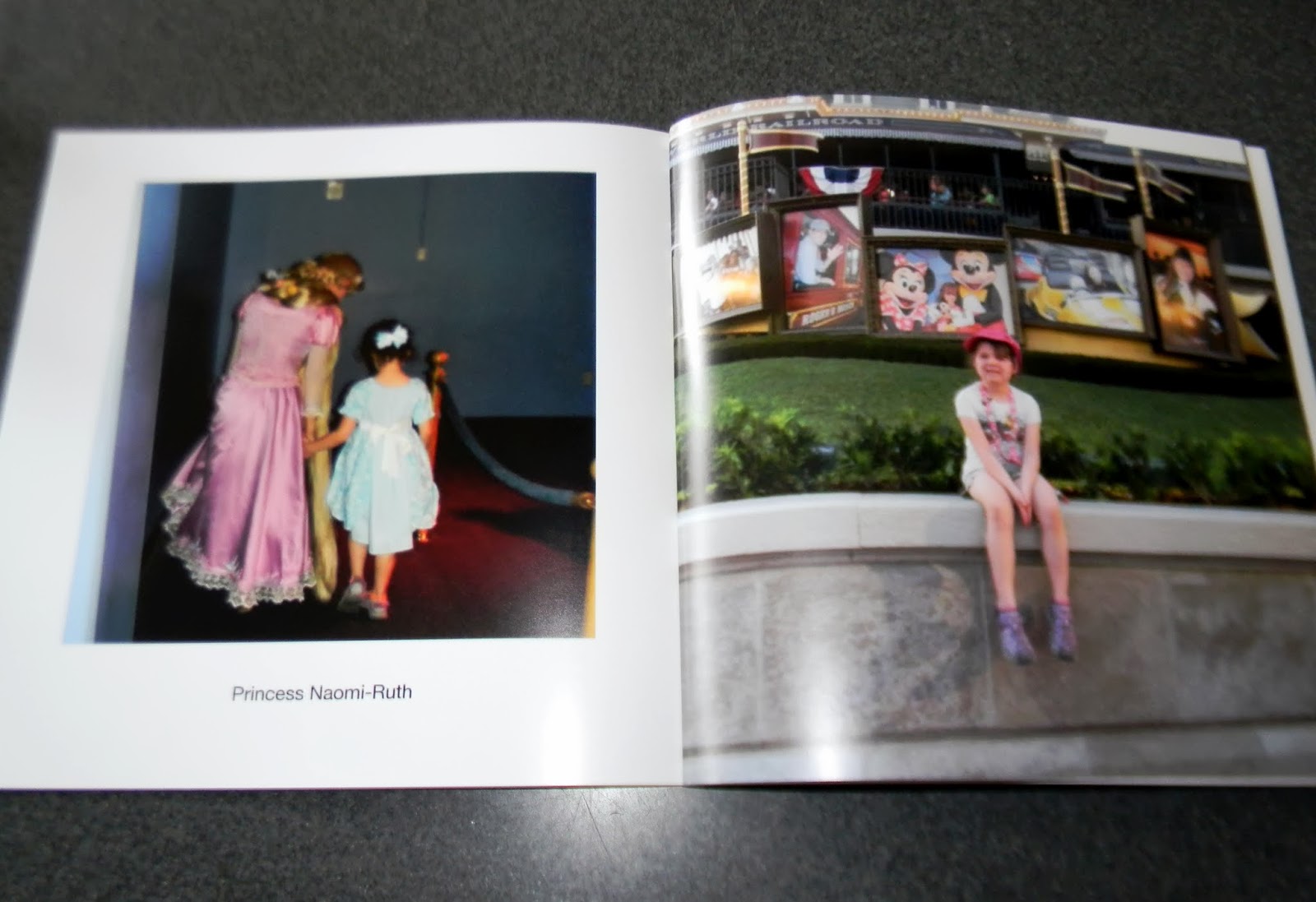


You can even personalize the pages after you receive your book in the mail.  Add some stickers and other embellishments. PERFECT!
 
 
Another mixed media in digital scrapbooking can be done through Mixed Book.
 
Although I have not personally done these, I've heard it is quite easy and fun and you can purchase themed packs (including Disney) to make the pages even more unique. The pictures below were made by a fellow Disney Fan Erica B.


Traditional Scrapbooking
 
This is probably the most time consuming of all of these ideas, but alas my favorite. I truly love the feel of paper and adding my photos in unique patterns and layouts, then adding all the little pizazz.
 
 
a souvenir collage

 
simple use of space and design

 
play on the scene in the title "beach"

 
Postcards as journal spaces
 
In case you think I go nowhere but WDW...here are a few pages from other vacations to the Atlanta area and the beach.
 
 The top photo is an example of a souvenir collage. You know all that stuff you pick up along the way, now you slap it down on a piece of paper and add it to your photo album.
 
The second two just showcase simple to a little more flair of the use of simple embellishments, clever title letters and basic photo layouts is really all you need.
 
The last photo shows a great way to close an album. This layout is the closing page to a Myrtle Beach Family vacation we took back in 2003 with my parents and sister's family. I had each person write down their favorite memories on some purchased postcards and attached them in the book.
 
 
I truly hope some of these ideas have inspired you, to get those photos out of that envelope or upload to print and find a way that preserves your vacations memories!
 
Coming next in this series (why not, huh?) is Vacation Photos preserved as a display! stay tuned


happy memory making, preserving, and crafting! Thanks for reading, Julie


Wednesday, December 12, 2012

Wordless Wednesday: 12 favorite scrapbook layouts

For this week's WW (yes I know, I missed last week) in honor of today's date 12-12-12 here's a look at my 12 favorite scrapbook layouts from over the years,  please enjoy!


"our first look at the Magic Kingdom"
from WDW album 2005


"11 years"

from our Anniversary album


"let's Eat"

from Rebekah's Baby Album


"Nathaniel's Present"

from Nathan's Baby Book (his 1st Birthday)


"many faces of Rachel"

last page in her Baby Album


"At the Beach"

from Naomi-Ruth's Baby Album


"love"

from keepsake book for Matt's 30th Birthday


"the rings & the vows"

from our Wedding album


"rain out"

from Nathan's age 4-5 Album


"from 5 to 6 and going on 7"

front page to Rebekah's album


"You're Invited"

from WDW Album-15 yr Anniversary trip


"sunny"

pictures of Rachel from Vacation album to Atlanta and PCB Florida 2007

Monday, December 3, 2012

Preserving Christmas

Do you take hundreds of photos during the Christmas Season like I do?

Well what are you suppose to do with all those photos besides posting them on Facebook?

Do you ever journal about festivities or have post-it-notes galore lining your desk with notes about shopping, parties, menus, and other important Christmas to-do's?

How are you suppose to keep that all organized or better yet, how do you remeber the year that little Sally recieved her Chatty Kathy doll or the year Aunt Lucy gave everyone knit socks?

You can do all this by PRESERVING CHRISTMAS!

Preserving Christmas? That's sounds like a lot of work, not at all. Here are some simple ideas.

* Create a Photo Book with your favorite Christmas pictures.


You can do it completely by scratch with a small scrap book and Holiday inspired papers and embellishments OR cheat a little and purchase a Holiday Scrapbook Kit. You can find them at any craft store and even Target sometimes. Most of the time you can buy them already on clearance. Pick your favorite pictures, print at home or at a store and you are set. The trick is to do right away...believe me there is plenty of time during those cold days in January. I always set a goal to have mine done before Valentine's Day.


You can also do a digital photo book on sites like Shutterfly or Snapfish. This couldn't be easier! Simply upload your photos and either choose for them to arrange the pictures automatically or spend about an hour and do it yourself.


* Photos of your children or family all dressed up or with Santa


How many of you book a photo session at Sears or Picture People to capture that perfect memory? Frame it and then what do you? I buuy a new frame each year, I have a theme of silver frames (Khols is a great place to buy frames, always on sale). I frame each year's photo (I now have 13) in a silver frame and keep them in a Christmas bin. Each year the frames come out and I display my favorites from years past and always try to mix it up from year to year. Either which photos I choose or how I display them around the house.


* Keeping a Christmas Journal


I have been gifted two different journals over the years and have them filled with notes, menus, photos, memories and more from many of our past Christmases. The last few years I have just done the photo books, but plan on making a simple homemade journal similar to the Give Thanks Book I created for Thanksgiving.

There are some great journals out there or even more simple purchase a nice blank journal and add your own personal notes, and tape in a few photos too. Continue to add to it each year!

Here are some photos of entries from two of my journals:


As always, thank you for reading and take a little time to preserve your memories!

Julie

Friday, May 21, 2010

I'm on a roll YAY!

So I have at least 2 of my Scrapping goals completed for this month and 35 pgs to show off

for it too...


now granted it's not traditional scrapbooking per say...but still some good things accomplished.

I created the digital album of pictures from my brother's wedding...need to place my order

still (next week) I am very happy w/ how it turned out and can't wait to have it.


And the best news is another Julie's Mickey Memories Project is done and given. I completed my friend's

little girl's First Memory Book for WDW and gave that plus a custom bag (w/ the help of a very talented lady from the Disboards) and a few

goodies. One bag, book and goodies to each of her kids. They were very excited and couldn't believe I had made these (or found the time)


The book is a chipboard tabbed album w/ 4 sections 1 for each of the major parks. And inside each tab are

an additional 2 double-sided pages that allow space for journaling, pictures, autographs or how ever you want to use it.


I designed the book basically the same as the little boy version but w/ some different embellishments and

themed ideas. Like a "one is fun" page for the little girl, since she'll be one very soon.


As the little girl book has lots of princesses, pinks and purples in comparison to the boy version.

they were fun to make and plan to use the idea for other designs and more.

hope you enjoy looking at it.

I have updated my Photobucket account w/ all the pictures from the girl version memory book but here are a

few teasers (sorry for the poor quality):


As well here are pictures of the cute bags:


and the kids w/ their new WDW customs from their Auntie Julie:


It was so fun to bring a little pre-Disney Magic to them and I just loved Collin's reaction when looking at

his book as he went "oohh" and "aahh" at the pages.


This is why I do it....

FUN!

J~